
EPFO Login Portal Guide
EPFO provides separate online portals for employees, employers, and pensioners. Each portal serves a different purpose. Employees can access their EPF accounts, passbook, and other services. Employers can manage establishment-related work. Pensioners can check pension details through the pensioner portal.
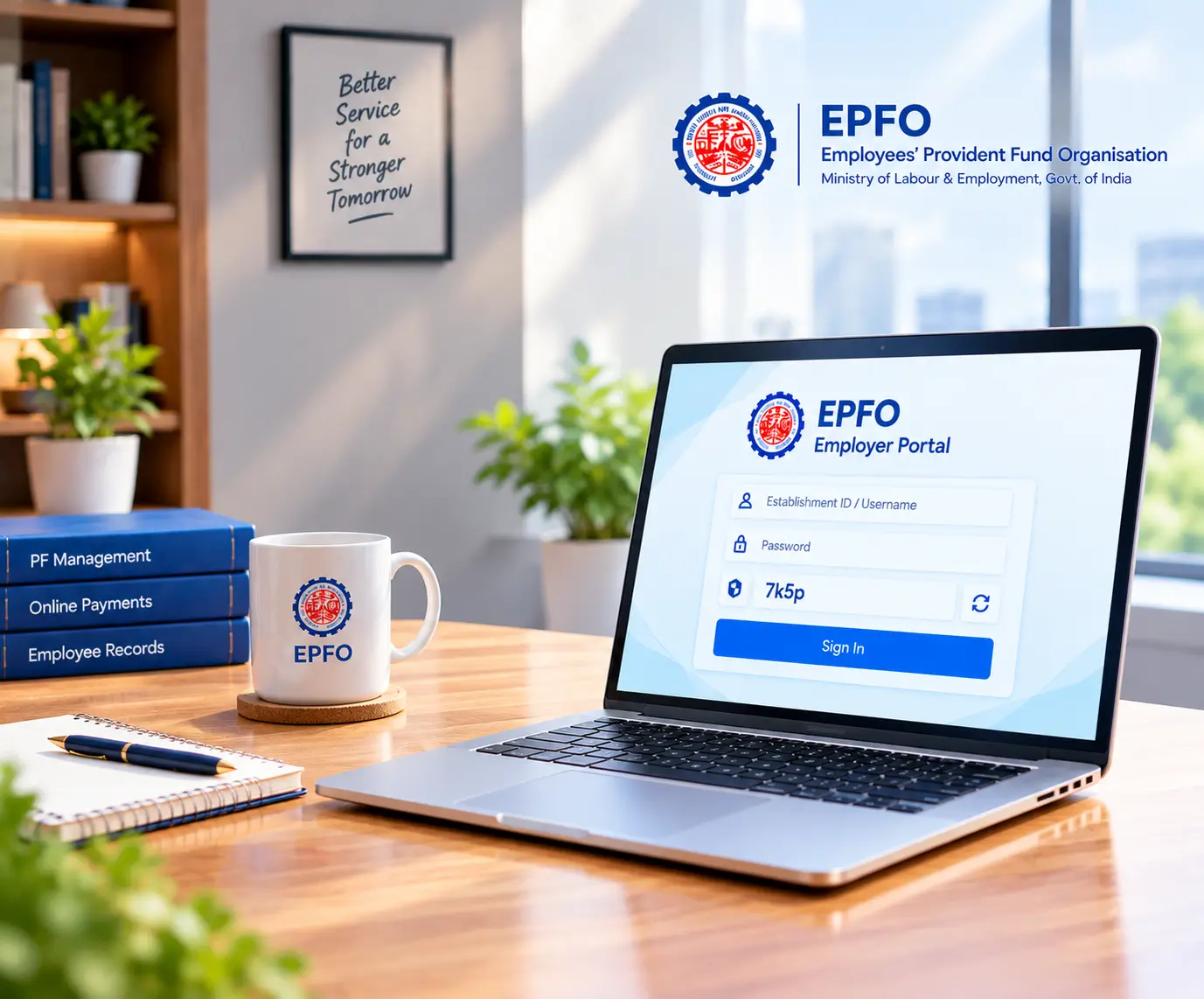
EPFO Portals at a Glance
| Contribution / Charge | Employee | Employer |
|---|---|---|
| EPF | 12% | 3.67%* |
| EPS | — | 8.33%* |
| EDLI (Insurance) | — | 0.50% |
| Administrative Charges | — | 0.50% |
| Total EPF/EPS Contribution | 12% | 12%* |
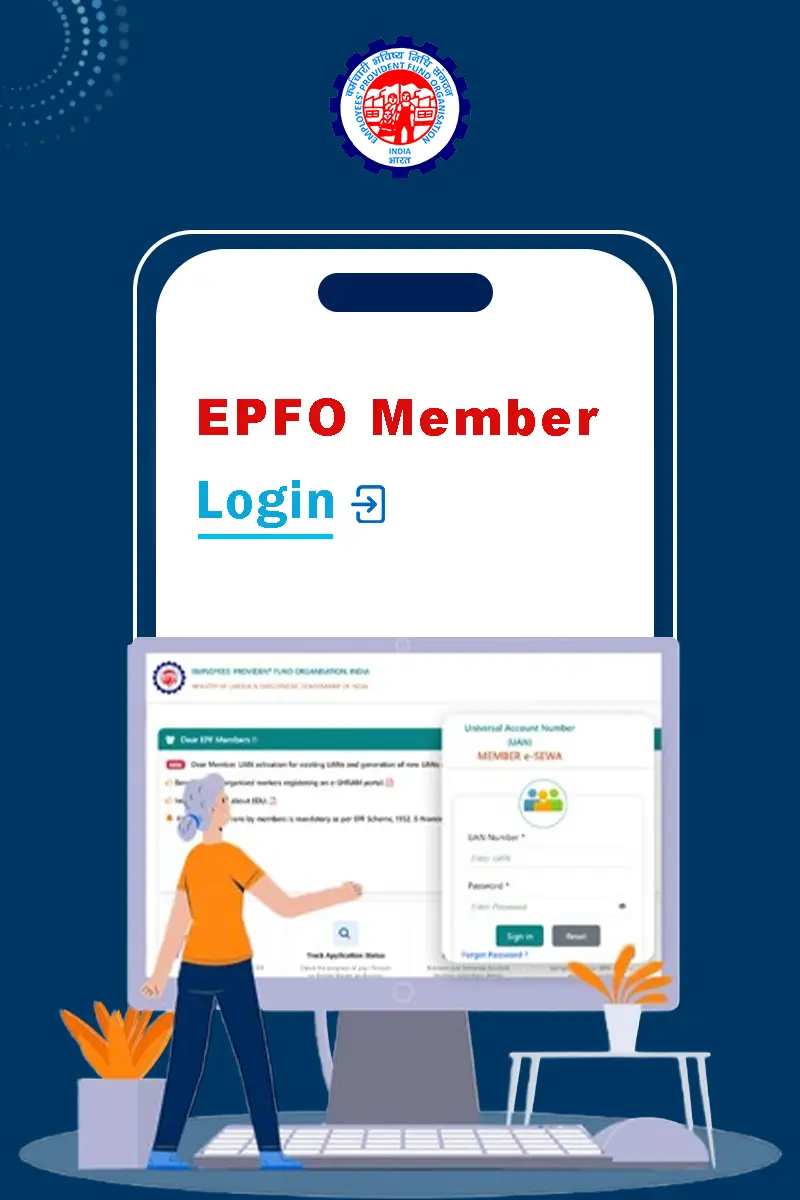
EPFO Member Login
The EPFO Unified Member Portal is the main online portal for EPF members. Employees can use their UAN to access their EPF-related services. The same member login also connects you to services such as PF withdrawal, transfer, KYC updates, and other account-related work.
- 1Visit the official EPFO Unified Member Portal.
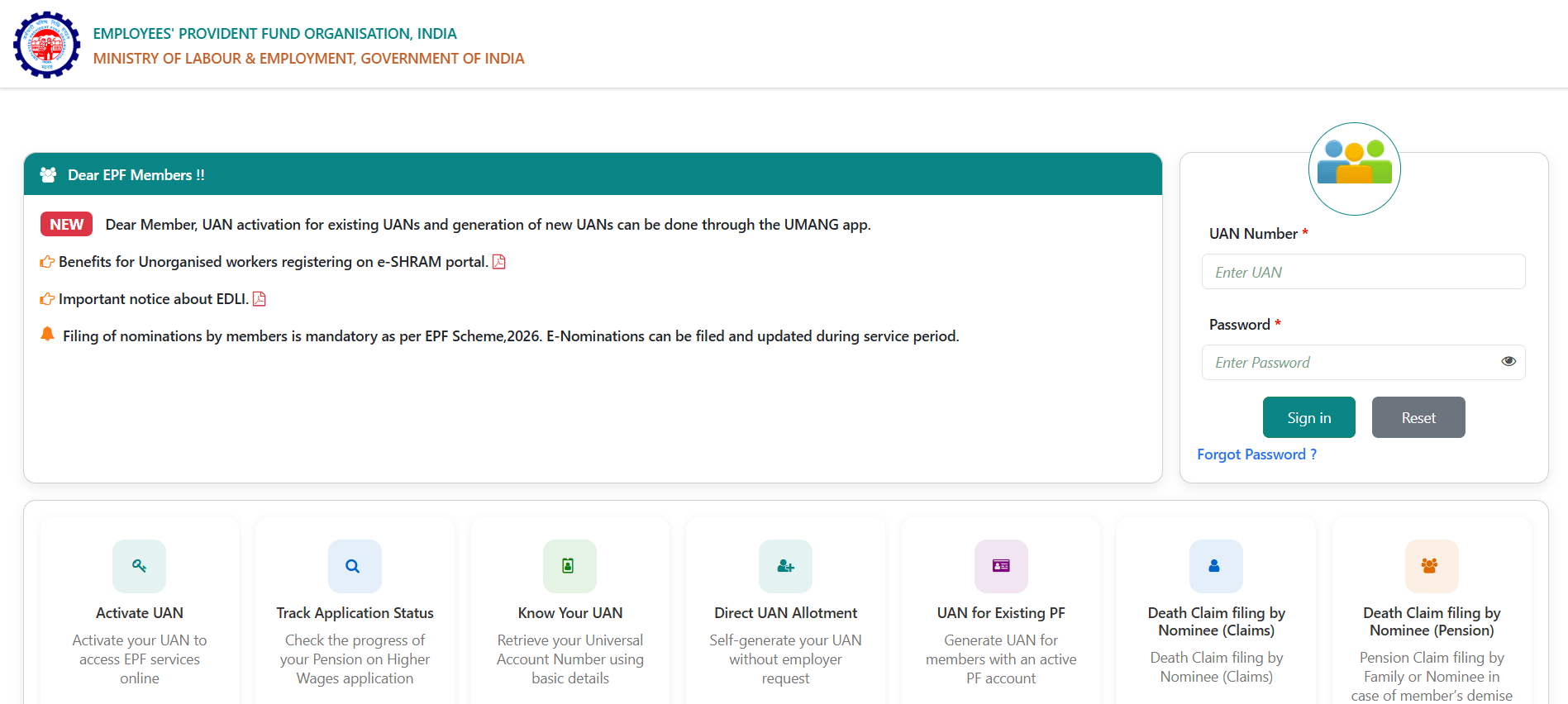
- 2Enter your Universal Account Number (UAN).
- 3Enter your account password.
- 4Type the captcha shown on the screen.
- 5Click Sign In to access your member account.
1How to Log in to the EPFO Member Portal
Your UAN needs to be active before you can use the member portal. An OTP linked to your Aadhaar-registered mobile number can also be required for certain verification steps.
- 1Open the official EPF Passbook portal.
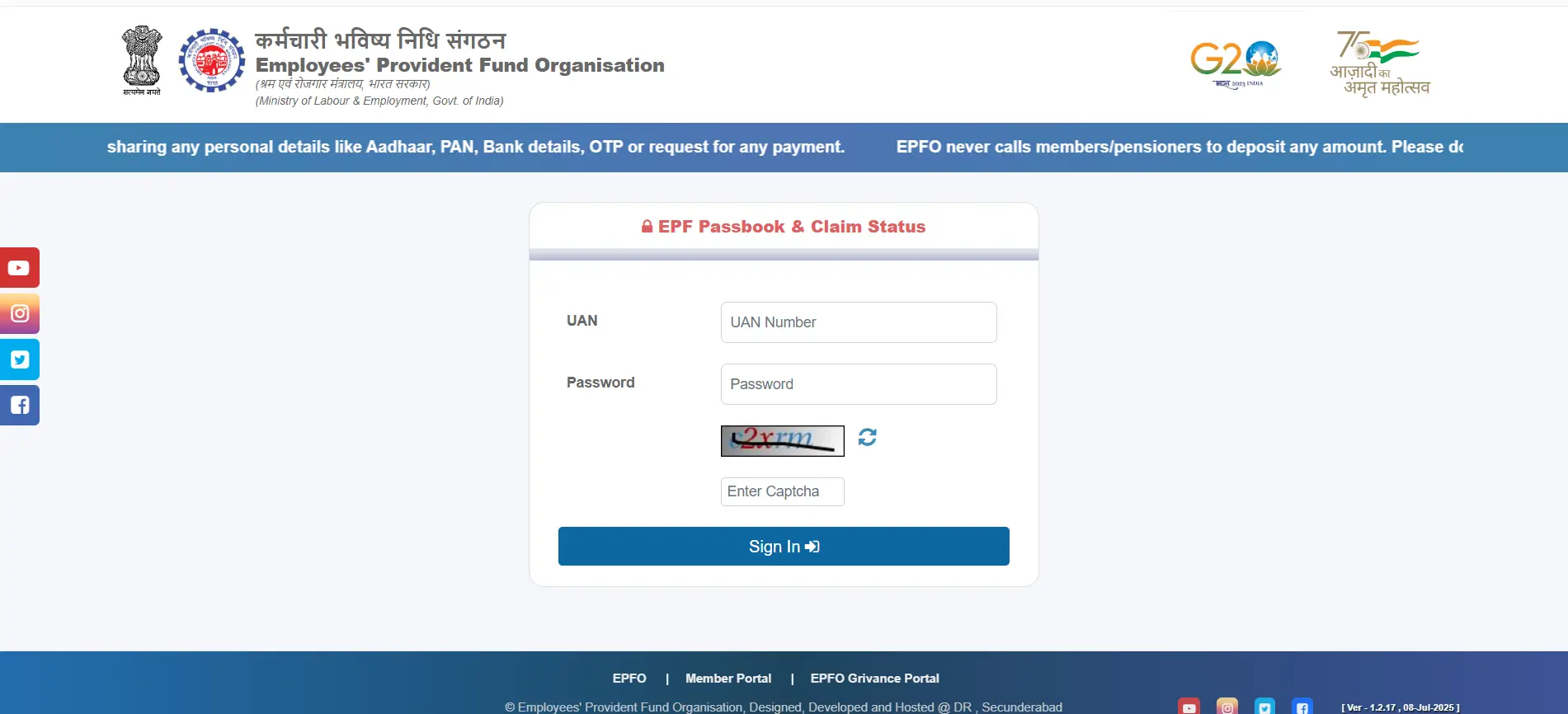
- 2Enter your UAN.
- 3Enter your password.
- 4Enter the captcha.
- 5Click Login.
- 6Select the required Member ID linked to your employer.
- 7Choose View Passbook to check your contribution details.
2Steps for EPFO Passbook Login
The EPFO has a dedicated Passbook Portal for viewing detailed passbook information. EPFO also provides a Passbook Lite view through the member portal.
The passbook shows information related to contributions credited to your EPF account.
3EPFO Member Login Through UMANG
EPFO services are also available through the UMANG App. This gives employees a mobile-based way to access selected EPFO services.
The basic process is:
Download UMANG Register with Mobile Number Verify OTP Create MPIN Search EPFO Select ServiceYou can then choose services such as viewing the passbook, raising a claim, or accessing UAN-related services.
Employer Login
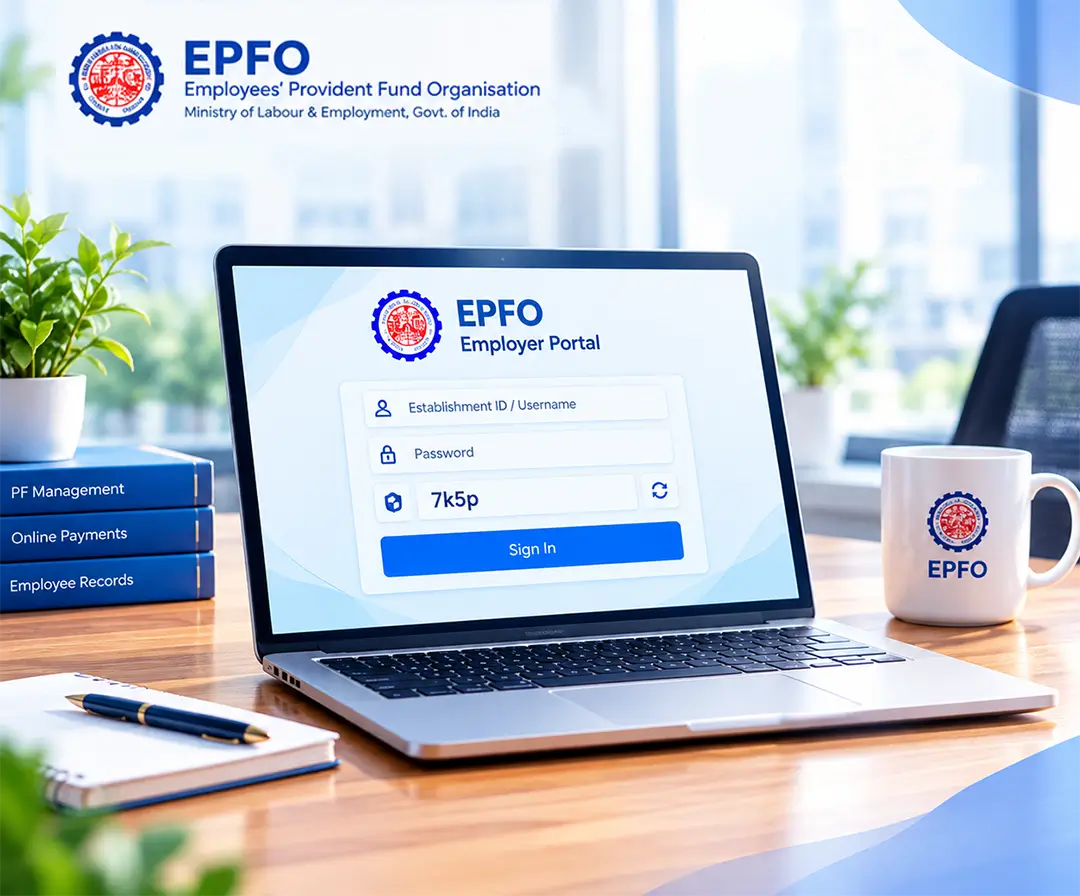
The EPFO Employer Portal is designed for registered establishments. Employers use it to manage PF-related activities, employee contribution records, and online payments.
Details Required for EPFO Employer Login
You generally need:
- Establishment ID/Username
- Password
- Captcha
How to Log in to the EPFO Employer Portal
1Open the official EPFO Employer Portal.2Enter the Establishment ID/Username.3Enter the account password.4Enter the captcha displayed on the page.5Click Sign In.6Access the employer dashboard after successful login.The employer portal is separate from the member portal. An employer therefore uses establishment credentials rather than an employee's UAN.
What Can Employers Do Through the Portal?
The portal supports several PF-related activities, including:
Management of PF contributionOnline PF paymentsMaintaining establishment-related recordsAccessing EPFO servicesThis helps employers handle their PF responsibilities online instead of depending entirely on physical visits to an EPFO office.
EPFO Pensioners' Portal
EPFO pensioners have a separate Pensioners Portal for checking pension-related information. Unlike the employee member portal, it works mainly through individual services rather than one central dashboard.
How to Log in to the EPFO Pensioners Portal
- 1Visit the official EPFO Pensioners Portal.
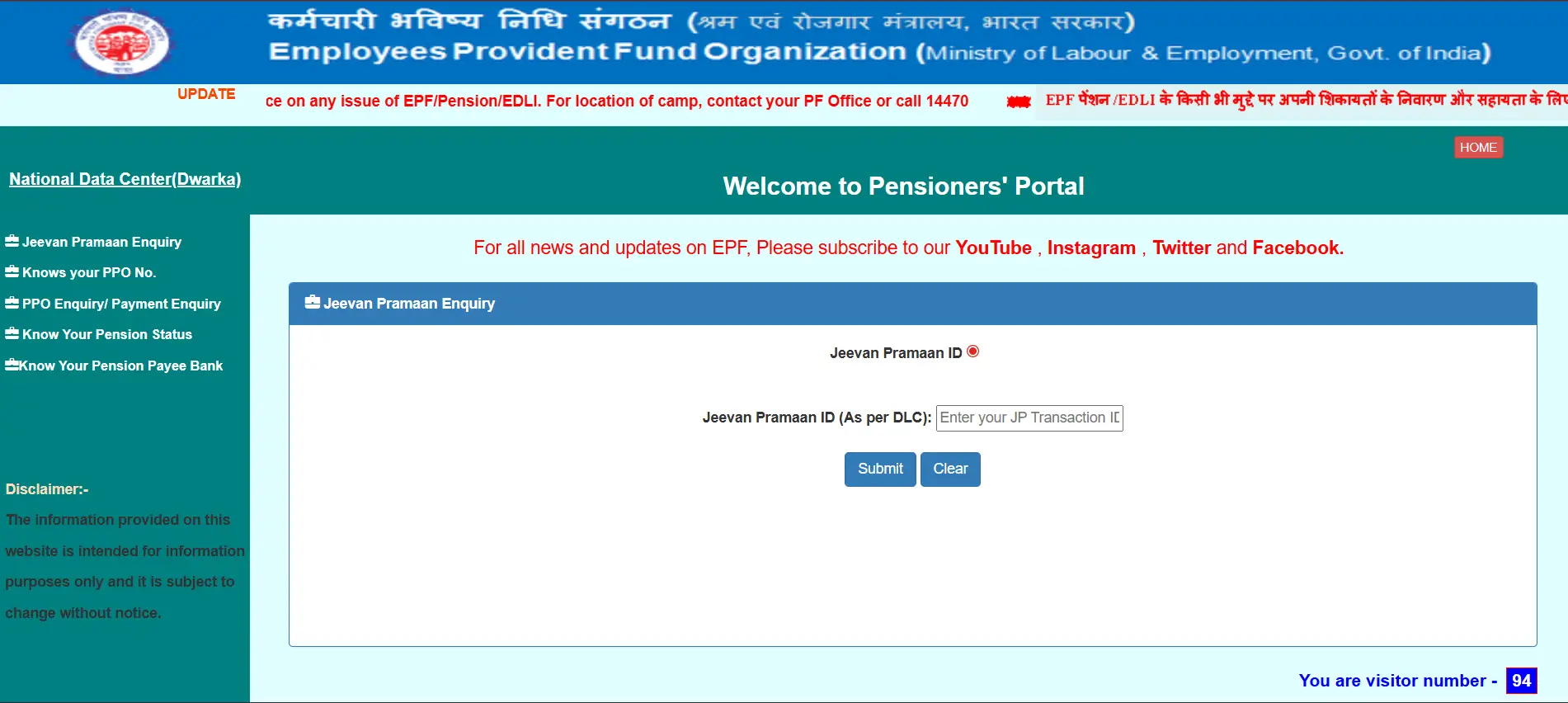
- 2Select the service you need.
- 3Enter the requested information.
- 4Enter the captcha, where required.
- 5Click Submit.
- 6View the available pension-related information.
The portal provides services such as:
Jeevan Pramaan EnquiryKnow Your PPO NumberPPO Enquiry/Payment EnquiryKnow Your Pension StatusKnow Your Pension Payee BankAccess EPFO Pension Services Through UMANG
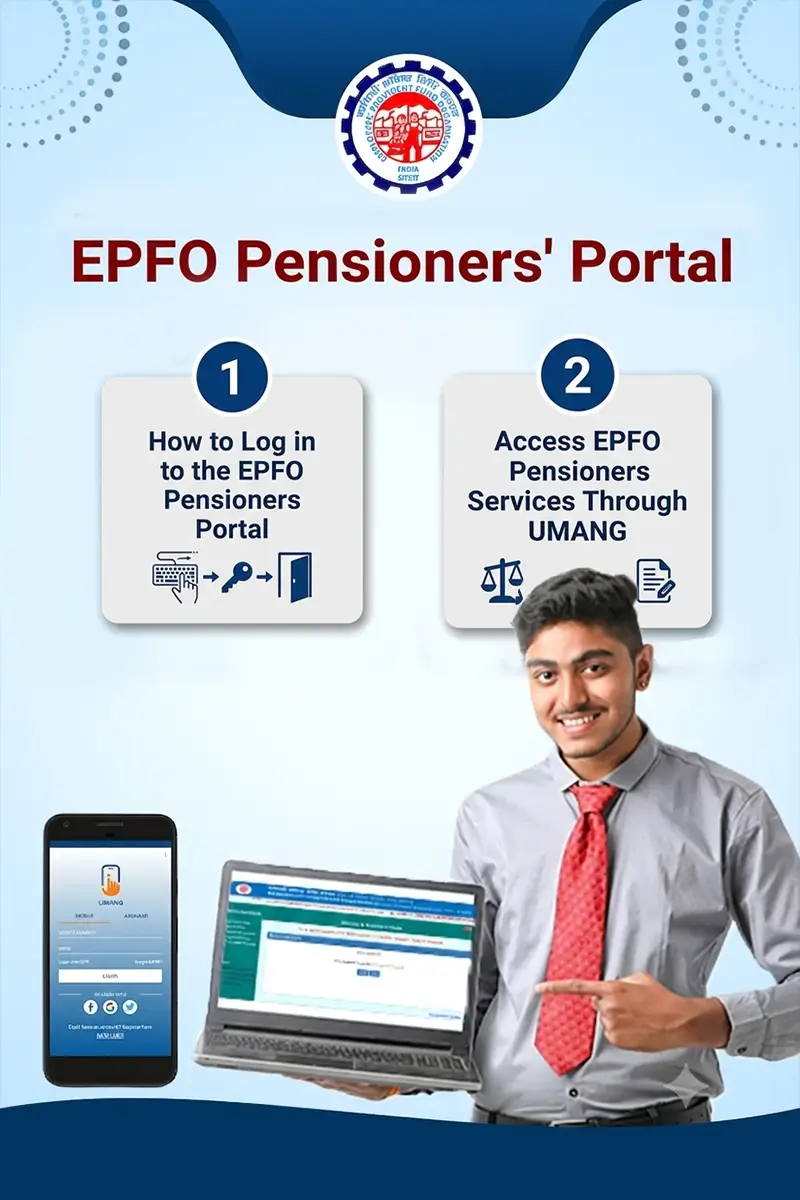
Pensioners can also use the UMANG App to access available EPFO pension services. Here are the steps to follow:
- 1Open the UMANG App.
- 2Log in using the registered mobile number and OTP or MPIN.
- 3Search for EPFO services.
- 4Select the relevant pensioner service.
- 5Enter details such as the PPO number, where required.
- 6Submit the details to view the available information.
FAQs
Yes, the EPFO Unified Member Portal is the main online portal for EPF members. It is used to access various member-related services through the UAN.
Visit the EPFO Unified Member Portal, enter your UAN and password, complete the captcha, then click Sign In.
The EPF passbook has a separate portal. You can log in using your UAN, password, and captcha, then select the relevant Member ID to view your passbook.
An employer generally needs the Establishment ID or Username, password, and captcha to access the EPFO Employer Portal.
Pensioners can visit the EPFO Pensioners Portal, select the required service, enter the requested details, and submit the information. Services include checking pension status, PPO details, and payment information.
Yes, selected EPFO member and pensioner services are available through the UMANG App. You can log in using your registered mobile number with OTP or MPIN, then search for EPFO services.
The Member Portal provides access to broader EPF account services. The Passbook Portal is primarily used to view EPF contribution records.
EPFO rules, procedures, contribution limits, eligibility criteria, interest rates, forms, and online services may change over time based on government notifications and EPFO updates. The information provided on this page is for general informational purposes only and should not be considered official or final. For the latest and exact information, always refer to the official EPFO website and relevant government notifications before taking any action.