
What Is UAN?
UAN stands for Universal Account Number. It is a 12-digit number issued by EPFO to eligible employees covered under the Employees Provident Funds and Miscellaneous Provisions Act.
When you change jobs, your employer can generate a new PF Member ID for your new establishment. Your UAN generally remains the same and can link the PF Member IDs associated with your different employments.
UAN vs PF Number
| Feature | UAN | PF Member ID |
|---|---|---|
| Full form | Universal Account Number | Provident Fund Member ID |
| Number of accounts | One UAN can link multiple Member IDs | Generally linked to a particular employment |
| Changes when you change jobs | Generally remains the same | Can change with a new employer |
| Main purpose | Manage multiple PF accounts | Identify a specific PF account |
Why Is UAN Important?
UAN acts as a central reference point for several EPFO services. Once your UAN is active and the required details are updated, you can use it to:
- Check your PF balance
- View or download your EPF passbook
- Transfer PF from one Member ID to another
- Submit eligible PF withdrawal claims
- Update KYC details
- Link Aadhaar and bank account details
- Update your registered mobile number
- Download your UAN card
- Access other EPFO member services
Keeping your UAN, mobile number, and KYC details updated can make these services easier to access.
Key Services Available Online with UAN
Once your UAN is active, you can use the EPFO portal for several PF-related tasks.
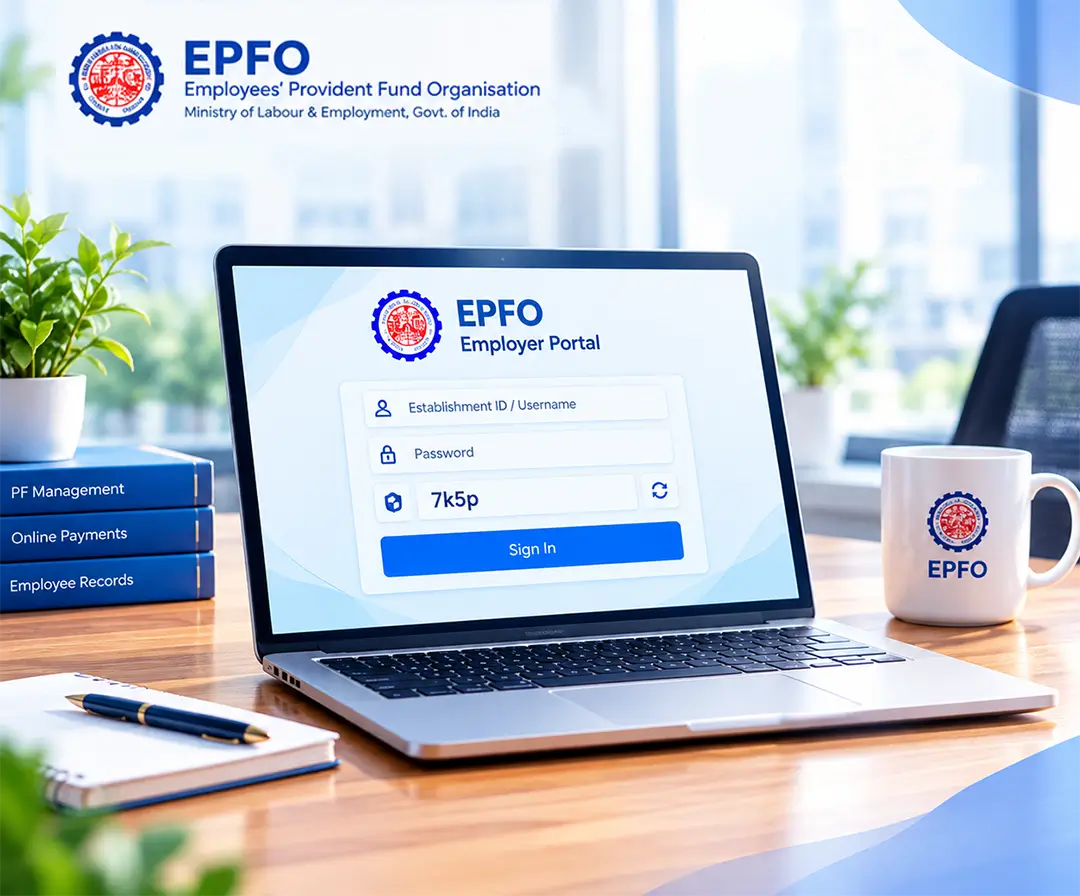
Some of the common services include:
- View your PF balance and contributions made by you and your employer.
- Add or update details such as your Aadhaar, PAN and bank account.
- Apply online for eligible PF advances, partial withdrawals or final settlement.
- Check your personal details, registered mobile number and employment details linked to your UAN.
- Request the transfer of your eligible PF balance from an old employer's Member ID to your current one.
- Save a copy of your UAN card and EPF passbook for your records.
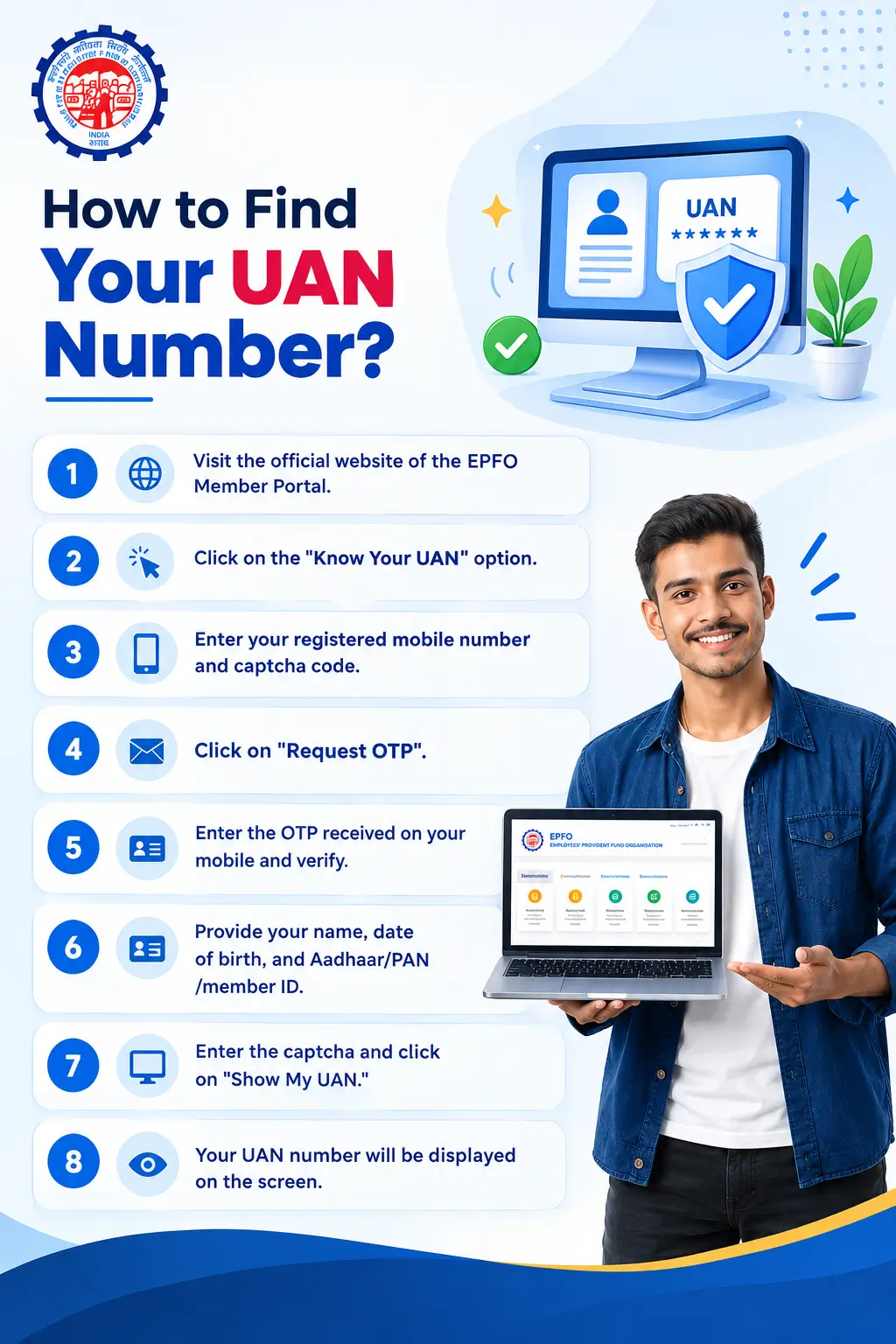
How to Find Your UAN Number?
If you do not know your UAN, you can try finding it through the EPFO member services.
- 1Visit the official website of the EPFO Member Portal.
- 2Click on the "Know Your UAN" option.
- 3Enter your registered mobile number and captcha code.
- 4Click on "Request OTP."
- 5Enter the OTP received on your mobile and verify.
- 6Provide your name, date of birth, and Aadhaar/PAN/member ID.
- 7Enter the captcha and click on "Show My UAN."
- 8Your UAN number will be displayed on the screen.
You can also find your UAN on your salary slip, UAN card, or EPF-related records. If you cannot locate it, your employer or HR department may also be able to provide the details.
- 1Download and open the UMANG app on your smartphone.
- 2Go to the "Services" section.
- 3Search and select "EPFO" from the list of services.
- 4Now, click on the UAN activation option.
- 5Download AadhaarFaceRD if not already installed.
- 6Enter Aadhaar number and the linked mobile number.
- 7Enter the OTP received on your registered mobile number.
- 8Start the face scan using your phone camera.
- 9If asked, complete the Aadhaar face authentication process.
- 10Your UAN and temporary password will be sent to your registered mobile number.
How to Activate UAN?
The EPFO has a dedicated Passbook Portal for viewing detailed passbook information. EPFO also provides a Passbook Lite view through the member portal.
Here are the steps to activate UAN online:
UAN activation through the EPFO portal is no longer available. Employees can now activate their UAN only through the UMANG app using Aadhaar-based face authentication. Simply download the UMANG app, select EPFO services, and choose the UAN Activation option to complete the process.
- 1Open the EPFO member login page.
- 2Enter your UAN.
- 3Enter your password.
- 4Enter the captcha.
- 5Click Sign In or the relevant login option.
How to Log In to EPF Member Portal Using UAN ID
Once your UAN is active, you can log in to the EPFO member portal using your credentials.
After logging in, you can access the EPFO services available for your account.
What is a UAN Card?
The UAN card contains important details associated with your UAN and PF membership. You can download or print it from the EPFO member portal after logging in.
How to Download UAN Card?
- 01Visit the official EPFO member portal
- 02Log in using your UAN, password, and captcha.
- 03Open the View section.
- 04Select UAN Card.
- 05View the card displayed on the screen.
- 06Download or print it for your records.
Common UAN Problems and Their Solutions
| Problem | What You Can Check |
|---|---|
| Forgot UAN | Use the UAN retrieval facility or check salary slips/EPF records |
| Forgot password | Use the Forgot Password option |
| UAN activation failed | Check UAN, Aadhaar and mobile details |
| OTP not received | Check registered mobile number and network connectivity |
| Aadhaar not linked | Check whether personal details match |
| Name mismatch | Request correction of EPFO details |
| Date of birth mismatch | Update the incorrect personal information |
| Multiple UANs | Contact EPFO and follow the applicable consolidation/deactivation process |
| PF Member ID not showing | Check employer contribution records and account details |
FAQs
UAN stands for Universal Account Number. It is a unique 12-digit number issued by EPFO to eligible employees. It helps you manage your PF accounts from different employers under one number.
No, your UAN generally stays the same when you change jobs. Your new employer can create a new PF Member ID, which can be linked to your existing UAN.
UAN is a single number that can link your PF accounts from different employers. A PF Member ID is linked to your PF account with a particular employer.
You can find your UAN through the EPFO Member Portal by using the Know Your UAN option. You can also check your salary slip, UAN card, or EPF records, or ask your employer or HR department.
You can activate your UAN through the UMANG app using Aadhaar-based face authentication. You need your Aadhaar number and Aadhaar-linked mobile number to complete the process.
No, as per the information provided, UAN activation through the EPFO portal is no longer available. You need to use the UMANG app to activate your UAN through Aadhaar-based face authentication.
Check whether you are using the mobile number registered with your UAN and whether your phone has a stable network connection. If the problem continues, try again later. There is also a chance that your number is not linked to Aadhaar.
EPFO rules, procedures, contribution limits, eligibility criteria, interest rates, forms, and online services may change over time based on government notifications and EPFO updates. The information provided on this page is for general informational purposes only and should not be considered official or final. For the latest and exact information, always refer to the official EPFO website and relevant government notifications before taking any action.