
EPF (Employees Provident Fund) Scheme
With 7,98,24,491 contributing members, EPFO provides provident fund and other social security services to a large number of employees in India. The Employees' Provident Fund (EPF) is a government-backed savings scheme that builds retirement funds through regular contributions from both the employee and employer.
EPF Scheme at a Glance
| Particular | Key Details |
|---|---|
| Who is covered? | Employees (subject to eligibility criteria) |
| Mandatory coverage | Generally applies to employees with basic wages plus DA up to Rs 15,000 per month |
| Employee contribution | 12% of basic wages plus DA |
| Employer contribution | 12% of basic wages plus DA, divided between EPF and EPS |
| Interest rate | 8.25% per year for FY 2026 - 27 |
| Main purpose | Building long-term savings for retirement |
| Key benefits | Retirement savings, interest on accumulated funds, employer contribution and eligible withdrawals |
| Online services | Balance check, passbook access, PF transfer, KYC updates and eligible claims |
What Is EPF?
EPF stands for Employees' Provident Fund. It is a government-backed savings scheme managed by the Employees' Provident Fund Organisation (EPFO).
Under EPF, both the employee and employer make regular contributions based on the employee's basic wages and dearness allowance. The money accumulated in the account earns interest over time and builds savings for employees' retirement.
How Does EPF Work?
EPF contributions are made every month while you are employed. The employee contributes 12% of basic wages plus dearness allowance, while the employer contributes another 12%. The employer's share is split between EPF and EPS as applicable.
The amount going towards EPF is added to the member's account. Also, the interest is credited according to the applicable rate. Over time, these monthly contributions and the interest earned on them build the employee's retirement savings.
EPF Eligibility
The key eligibility conditions for EPF membership depend upon the following criteria:
Establishments with 20 or more employees are generally covered under EPF. Your basic wages plus dearness allowance are up to Rs 15,000 per month. Employees earning more than Rs 15,000 per month can also join EPF voluntarily. Certain international workers are also covered under EPF provisions.EPF contributions generally apply to employees from 18 years of age up to 58 years, subject to the scheme rules.What Does EPF Contribution Include?
The standard EPF contribution rate is 12% of basic wages plus dearness allowance for both the employee and employer. The employee's contribution is deducted from salary, while the employer pays its share separately.
Employee Contribution
The employee contributes 12% of basic wages plus dearness allowance every month. This amount is deducted from the employee's salary and credited towards the EPF savings.
Employer Contribution
The employer also contributes 12%. Its contribution is divided between EPF and EPS.
Employer Contribution Rate EPF 3.67% EPS 8.33% The employer also pays applicable contributions towards EDLI and administrative charges. The contribution rates are 0.50% for EDLI, 1.10% as EPF administrative charges, and 0.01% as EDLI administrative charges.
EPF Interest Rate
For FY 2026-27, the EPF interest rate mentioned in the source information is 8.25% per year. Interest is calculated monthly but credited to the EPF account at the end of the financial year. The interest earned on your accumulated balance helps your EPF savings grow over time.
Example of EPF Interest
Suppose your monthly salary considered for EPF contribution is Rs 20,000.
Employee contribution at 12% = Rs 2,400Employer EPF contribution at 3.67% = Rs 734Total monthly EPF contribution = Rs 3,134As more contributions are added, the EPF balance increases. Interest is calculated on the applicable balance during the year. The example provided shows total interest of Rs 1,163.50 for the period illustrated.
EPF Benefits
EPF offers several benefits that make it useful for long-term financial planning.
- 01
Retirement Savings
A part of your salary goes towards EPF every month, and your employer contributes as well. Over the years, these contributions can build a sizeable retirement corpus, along with the interest earned on the accumulated amount.
- 02
Interest on Savings
EPF savings earn interest at the rate declared for the relevant financial year. This allows the balance to grow beyond the amount contributed.
- 03
Employer Contribution
The employer also contributes towards the employee's EPF and pension benefits. This increases the overall value of the employee's social security savings.
- 04
Easy PF Transfer
If you change jobs, your PF savings do not have to start from zero. Eligible PF savings can be transferred from your previous employer's Member ID to the new one.
- 05
Partial Withdrawals
EPF savings can be used for certain financial needs while you are still working. Eligible members can withdraw part of their EPF balance for expenses such as housing, education, medical treatment, and marriage, as allowed under the applicable rules.
- 06
Nomination Facility
EPF members can nominate an eligible family member to receive the benefits payable under the EPF scheme in case of the member's death. Having a nomination in place helps ensure that the benefits reach the intended family member.
- 07
Online Passbook Access
The EPF passbook lets members see their contribution details and account balance online. It gives a clear view of how much has been credited to the account, without having to depend only on salary slips or employer records.
What is an EPF Passbook
An EPF passbook records transactions in your PF account. It helps you check:
Employee contributionsEmployer contributionsInterest creditedPF account balanceContributions made during different periods of employmentYou can view or download your passbook through the available EPFO member services.
Is EPF Withdrawal Available?
EPF provides withdrawal and advance facilities subject to specific conditions. Depending on the situation, members may be able to withdraw for eligible purposes such as:
Medical treatmentEducationMarriageHousingOther permitted needsRetirement or final settlement, where eligibleThe amount that can be withdrawn and the conditions to be met depend on the type of withdrawal and the applicable EPFO rules.
EPF Tax Benefits
EPF has specific tax benefits, although the treatment depends on the contribution amount and the tax regime.
Employee Contribution
Under the old tax regime, eligible employee EPF contributions can qualify for a deduction of up to Rs 1.5 lakh under Section 80C.
Employer Contribution
Employer contributions are subject to the applicable tax rules and limits. Employer contributions up to 12% of basic salary are not taxed under either tax regime, while contributions above the prescribed annual limit can become taxable.
Interest on EPF
Interest earned on EPF is subject to specific tax rules. Interest on employee contributions is tax-free up to the applicable annual contribution threshold, while interest on contributions above that limit can be taxable.
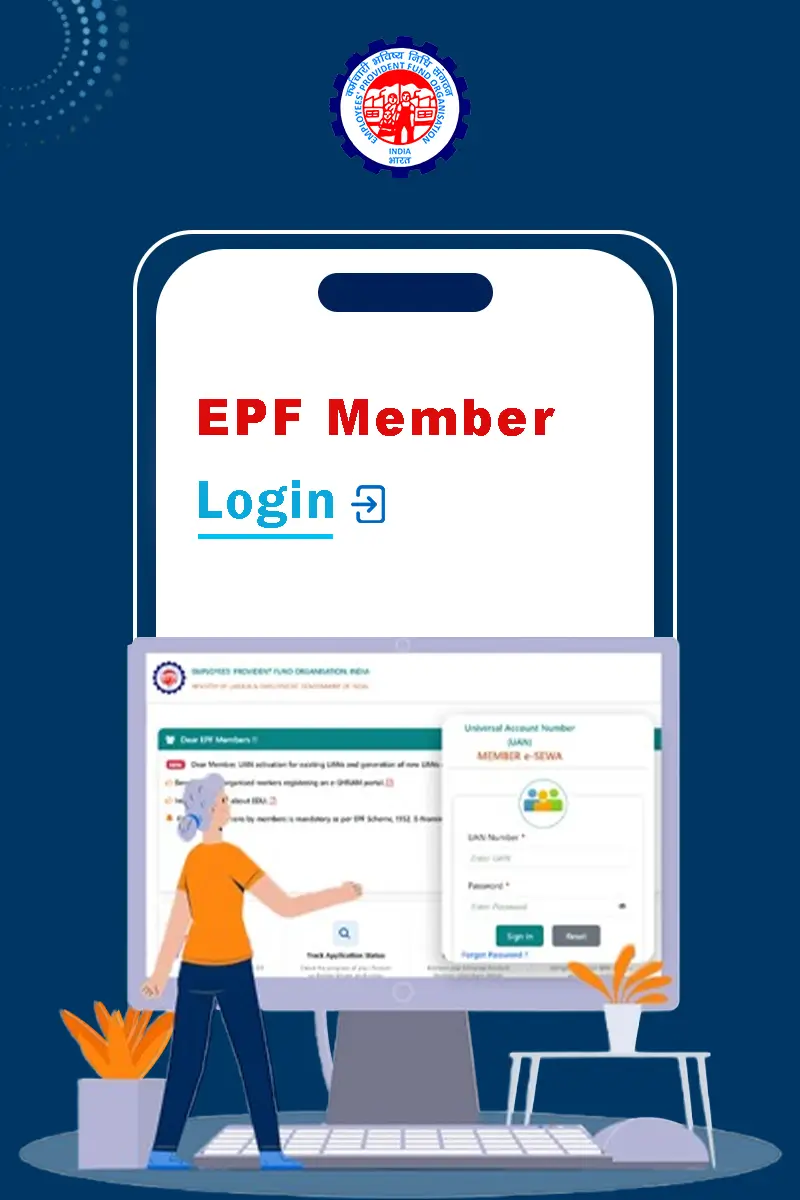
EPF Member Login
EPF login portal allows members to access their PF account online using their UAN and password. After logging in, members can check their PF balance, access the passbook, submit eligible claims, and use other EPFO services.
- 1Visit the official EPFO Unified Member Portal.
- 2Enter your Universal Account Number (UAN).
- 3Enter your account password.
- 4Type the captcha shown on the screen.
- 5Click "Sign In".
- 6Access your EPFO member account.
EPF Services Available Online
After logging in, members can access services such as:
Checking PF balanceAlso, view or download the EPF passbookYou can also download the UAN card containing your UANSubmit eligible withdrawal and transfer claimsTracking claim statusUpdate KYC detailsTransfer PF between jobsUpdate profile and e-nominationRaise and track grievancesFor detailed EPFO login instructions, users can visit the dedicated EPFO Login page.
EPF Services Through UMANG
Members can also access several EPFO services through the UMANG app. The app provides access to EPFO services after the required registration and verification.
The detailed UMANG login process does not need to be repeated on this page because it can be covered on the dedicated login page.
EPF vs EPS
EPF and EPS are both connected with EPFO but serve different purposes.
| Feature | EPF | EPS |
|---|---|---|
| Main purpose | Retirement savings | Pension benefits |
| Contribution | Employee contribution and employer's EPF share | Part of employer's contribution |
| Main benefit | Accumulated savings and interest | Pension benefits under applicable rules |
FAQs
EPF stands for Employees' Provident Fund. It is a government-backed savings scheme that helps employees build funds for retirement through regular contributions.
The standard contribution rate is 12% of basic wages plus dearness allowance for the employee and 12% for the employer, subject to applicable rules.
Employees working in establishments covered by EPF rules can be eligible. Employees with basic wages plus dearness allowance up to Rs 15,000 per month are generally required to join where EPF coverage applies.
The EPF interest rate mentioned in the source is 8.25% per year for FY 2026 - 27.
You can check your EPF balance through EPFO's online member services. You can also view your EPF passbook to see your contributions and balance.
An EPF passbook is an online record of your PF account. It shows contributions and other transaction details related to your EPF account.
Yes, savings can be transferred from your old employer's Member ID to your new one. Your UAN helps connect your PF accounts from different jobs.
Yes, eligible members can make withdrawals or take advances for permitted purposes, subject to EPFO rules.
EPFO rules, procedures, contribution limits, eligibility criteria, interest rates, forms, and online services may change over time based on government notifications and EPFO updates. The information provided on this page is for general informational purposes only and should not be considered official or final. For the latest and exact information, always refer to the official EPFO website and relevant government notifications before taking any action.