
EPF Joint Declaration Form
Employees should check their details before submitting them for their EPF account. But sometimes, mistakes still happen, like wrong or old information.
In such cases, the PF joint declaration form is used. It is a document that helps correct or update employee details in the EPF system when there are errors.
This form makes sure that all information in the EPF records is correct, so there are no delays in processing. This guide explains what the PF joint declaration form is, what it does, and how to submit it.
What is the PF Joint Declaration Form?
The PF Joint Declaration Form is an official request made by both the employee and the employer to the EPF office to correct mistakes in records. These mistakes can be in personal details, job details, or account information that cannot be changed directly on the UAN website.
It is called "joint" because both the employee and the employer check and approve it. This makes sure all the details are correct before the EPF office updates them.
Why the Joint Declaration Form for EPF is Needed
Today, most EPF work is done online. But sometimes, there are still mistakes or problems, such as:
- 01
The employee gave the wrong or old information when joining
- 02
Details do not match between Aadhaar and EPF records
- 03
Name spelling is wrong, or the date of birth is incorrect
- 04
The joining date or the leaving date is wrong
- 05
Problems while transferring the PF account from one employer to another
- 06
Wrong or misspelled parents' or spouse's name
- 07
Changes that need approval from the employer
Use of the PF Joint Declaration Form
The PF Joint Declaration Form is used in situations like these:
- 01
To correct personal details
If your name, date of birth, or gender in the EPF record is different from your official documents, you need this form to fix it. - 02
To update job details
You can use this form to correct your joining date, leaving date, or work period. - 03
To fix PF account mistakes
If your PF account is linked wrongly or your work records are incorrect, this form helps correct them. - 04
To solve the Aadhaar or KYC mismatch
If your Aadhaar or KYC details do not match the EPF records, this form is used to fix it. - 05
When claims are rejected due to wrong data
If your PF claim is rejected because the details do not match, you can use this form to correct the errors.
Details You Can Correct with the PF Joint Declaration Form
You can use the PF Joint Declaration Form to correct or update these details:
- 01
Member's name
- 02
Date of birth
- 03
Father's or husband's name
- 04
Gender
- 05
Joining date
- 06
Leaving date
- 07
PF account number
- 08
UAN linking errors
- 09
Nationality
- 10
Job or employment details
If the problem is with the bank account or Aadhaar linking through KYC, the form is only needed when it cannot be corrected online and requires a manual update.
What Information Is in the PF Joint Declaration Form
The PF Joint Declaration Form has different sections with important details. Here is a simple table to explain it:
| Section | What It Includes |
|---|---|
| Member Details | Employee name, UAN number, PF account number, company name, and company code |
| Wrong and Correct Information | A table showing: (1) wrong details currently in the record, (2) correct details to update, (3) documents as proof |
| Declaration | A statement confirming that both employee and employer agree to make the correction |
| Signatures | Employee's signature, employer's authorised signature, and company stamp to confirm details are checked |
Documents Needed with the PF Joint Declaration Form
When you submit the form, you must also give documents that prove your correct details. These documents can include:
-
Passport (if needed)
-
PAN card
-
Job documents or appointment letter
-
Aadhaar card (for identity proof)
-
Birth certificate or school certificate (to correct date of birth)
-
Any other document that supports the change you want to make
-
Relieving letter (to correct leaving date)
More About EPFO and Its Services
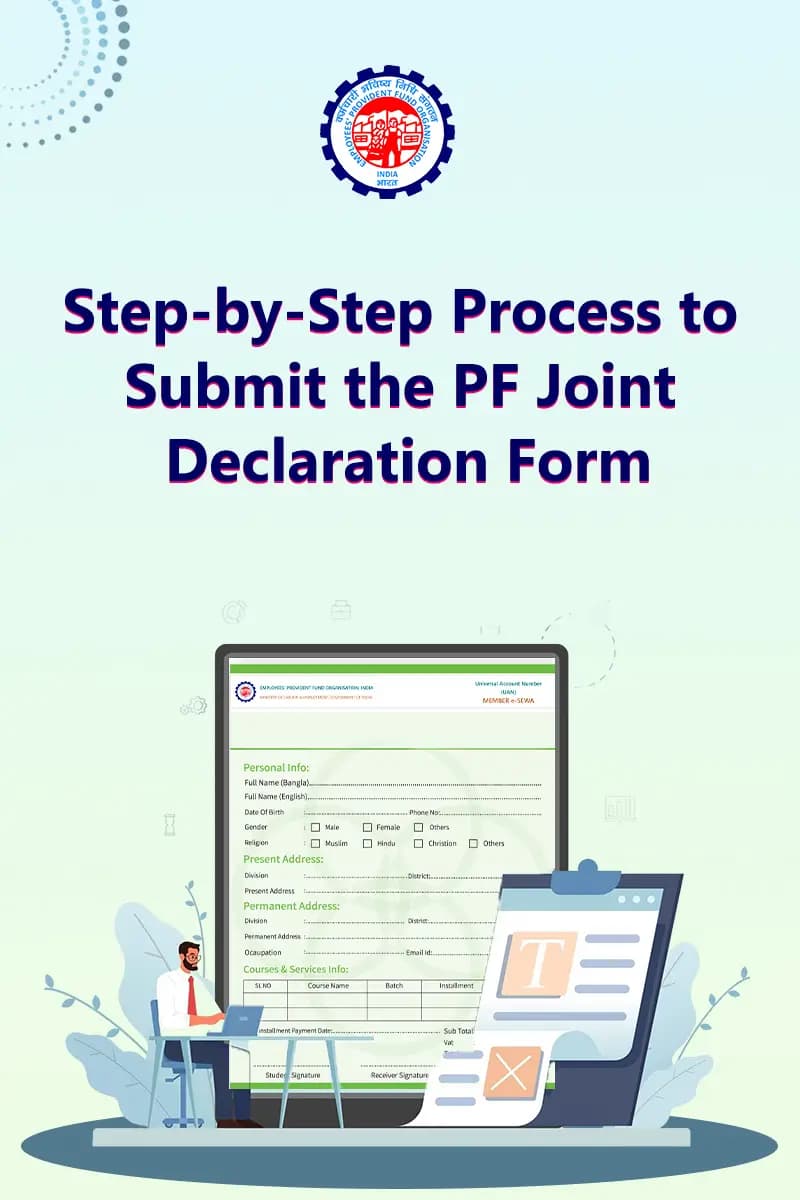
Step-by-Step Process to Submit the PF Joint Declaration Form
- Step 1
Get the form
You can take the form from your HR department, EPFO office, or official EPFO sources.
- Step 2
Fill in your details
Enter your UAN, PF number, and personal information carefully. Check everything for mistakes.
- Step 3
Write the correction clearly
Mention what is wrong in the EPFO record and what the correct details should be.
- Step 4
Attach documents
Add self-attested copies of documents that support your correction request.
- Step 5
Employer verification
Your employer will check the form and details. If everything is correct, they will sign it.
- Step 6
Submit to EPFO
After signing, the employer will send the form to the EPFO office.
- Step 7
EPFO update
The EPFO office will verify the details and update your records if everything is correct.
Key Benefits of the Joint Declaration Form for EPF
The PF Joint Declaration Form helps in correcting important EPF record errors in a proper and official way. Its main benefits are:
- 01
Helps correct important errors
It is used to fix mistakes that cannot be updated online and need official approval from both employee and employer.
- 02
Ensures correct EPF records
It keeps your EPF details accurate, which helps avoid delays, rejections, or issues during claim processing.
- 03
Makes PF withdrawal and transfer easier
When your service and personal details are correct, PF withdrawal or transfer between employers becomes smoother.
- 04
Provides official proof of correction
The signed form acts as a verified record that both employee and employer agreed to the correction, which is useful for EPFO records and audits.
Common Reasons Why PF Joint Declaration Requests Get Rejected
Sometimes, EPFO may reject the request for these reasons:
-
Supporting documents are missing or incomplete
-
The employer has not signed or stamped the form
-
The documents do not match the correction request
-
The information in the form is unclear or hard to read
-
Details do not match the Aadhaar information
Role of Employer in the PF Joint Declaration
Employers play an important role in the PF Joint Declaration process. EPFO depends on them to check and confirm the details before making any changes. The employer must confirm:
- The employee has worked in the company
- The correction request is real and correct
- The company records match the information given in the form
Precautions to Take While Using the PF Joint Declaration Form
Before submitting the PF Joint Declaration Form, it is important to be careful. Here are some precautions to follow:
Check that the UAN details and all information are correct
Make sure the form is properly signed and stamped by the employer before submission
Ensure only real and correct changes are requested
Attach clear and self-attested copies of documents
Make sure the details in the form match the Aadhaar card information
FAQs
It is used to correct mistakes in EPF records that cannot be changed online.
It is a form used to correct PF member details so that EPF records are accurate for online work and transactions.
Yes, in some cases it can be submitted online. In other cases, it is submitted through the employer to EPFO.
Both the employee and the employer must sign the form after checking all details.
No, the employer must first verify, sign, and then submit it to the EPFO office.
It usually takes around 20 to 25 days. If there is a delay, the employee should contact the employer to check the status.
Yes, if EPF details do not match Aadhaar or other documents, this form is used to correct the name.