
How to Change Mobile Number in EPFO
Changing your mobile number in EPFO (Employees' Provident Fund Organisation) is an important step to keep your account secure and accessible. Your registered mobile number is used for receiving OTPs (one-time passwords), checking your balance, tracking claims, and updating personal details. If your number has changed or is no longer active, it is important to update it so that you can continue using all EPFO services without any interruption.
The good news is that updating your mobile number in EPFO is a simple online process that can be done through the UAN (Universal Account Number) portal. In this guide, let's understand how to change mobile numbers in EPFO, so you can update your mobile number quickly and avoid any issues while accessing your EPF account.
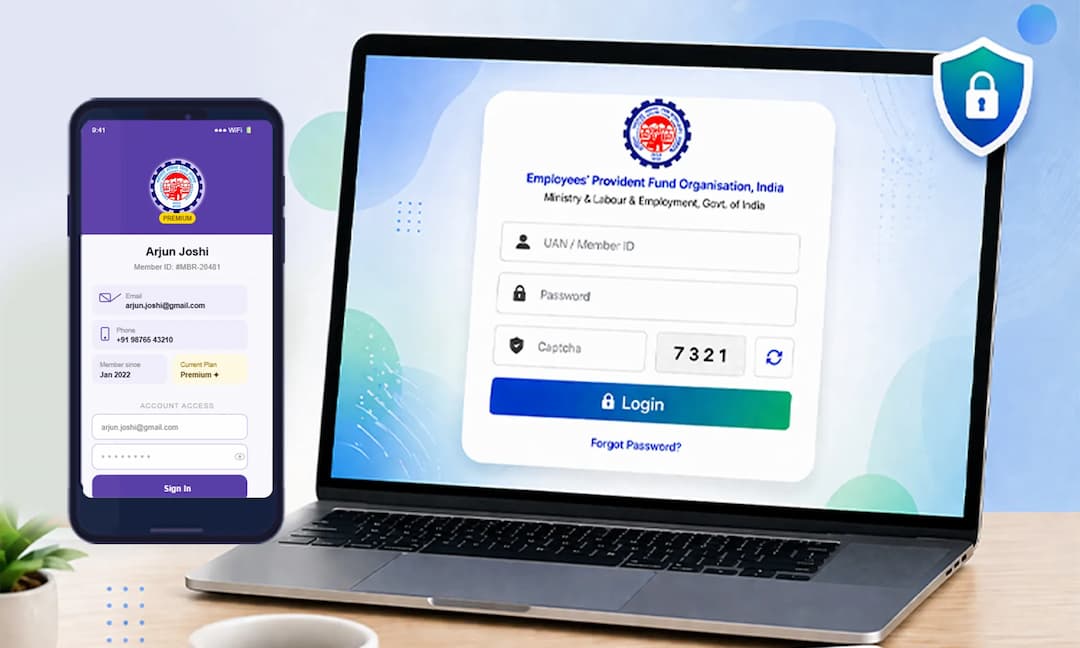
Why is it Important to Register Your Mobile Number in EPF
- 01
When your mobile number is registered, you can quickly log in and see how much money is in your EPF account and view your passbook whenever you want.
- 02
Your mobile number is used to receive OTPs (one-time passwords), which makes your login secure and protects your account from unauthorized access.
- 03
You will receive messages on your phone whenever money is added to your EPF account or when you make a withdrawal or transfer.
- 04
If you forget your password, you can easily create a new one using an OTP sent to your registered mobile number, without any hassle.
How to Change Mobile Number in EPFO (Online Process)?
If you want to change your registered mobile number, follow these simple steps:
Visit UAN Member PortalLogin (UAN & Password)Go to "Manage"Select "Contact Details"Click "Change Mobile Number"Enter New Mobile NumberClick "Get OTP"Enter OTPClick "Save Changes"Mobile Number Updated Successfully- Step 1
Log in to the UAN Member Portal using your UAN and password.
- Step 2
Click on "Manage" and then choose "Contact Details".
- Step 3
Click on "Change Mobile Number".
- Step 4
Enter your new mobile number and click on "Get OTP".
- Step 5
Type the OTP you received on your new mobile number.
- Step 6
Click on "Save Changes".
Your new mobile number will be updated in your EPF account.
How to Change Mobile Number in EPF Account (Offline Process)?
If you cannot change your mobile number online, you can use the offline method:
Visit Nearest EPFO OfficeGet Mobile Number Update FormFill Details (UAN, Aadhaar, PAN, New Mobile Number)Attach Self-Attested Aadhaar & PAN Copies Submit Form to EPFO OfficerVerification ProcessMobile Number Updated in 5-7 Working Days- Step 1
Go to the nearest EPFO office.
- Step 2
Ask for the Mobile Number Update Form.
- Step 3
Fill in your details like UAN, Aadhaar, PAN, and your new mobile number.
- Step 4
Attach copies of your Aadhaar and PAN card (sign them yourself).
- Step 5
Submit the form to the EPFO officer.
- Step 6
Your mobile number will be updated in about 5-7 working days.
How to Change Your EPF Mobile Number if You Forgot Your Password?
Visit EPFO Member WebsiteClick "Forgot Password"Enter UAN & CaptchaClick "Submit"Select "No" for Mobile Update OptionEnter Personal Details (Name, DOB, Gender)Click "Verify"Choose Aadhaar/PAN & Verify AgainEnter OTP ReceivedCreate New Password Confirm PasswordClick "Submit"Password Reset Successfully- Step 1
Go to the EPFO member website.
- Step 2
On the login page, click on "Forgot Password".
- Step 3
Enter your UAN and the captcha code, then click "Submit".
- Step 4
You may see an option to change your mobile number. Since you cannot log in yet, click "No" for now.
- Step 5
Enter your name (as per EPF records), date of birth, and gender. Then click "Verify".
- Step 6
Choose how you want to verify your identity (Aadhaar or PAN). Enter the details and click "Verify" again.
- Step 7
You will get an OTP on your registered mobile number. Enter this OTP.
- Step 8
Now, create a new password. Type it twice and click "Submit".
Your password will be reset, and you can log in again easily.
Benefits of Changing Your EPF Mobile Number
- 01
You can easily use all EPFO services without any problem.
After updating your mobile number, you can log in smoothly and use services like checking your balance, downloading your passbook, and applying for claims without any trouble. - 02
Your EPF transactions become quick and safe.
With your correct mobile number, you receive OTPs for verification, which makes your transactions faster and keeps them secure. - 03
You get instant messages about money deposits and withdrawals.
Whenever money is added to your EPF account, or you withdraw funds, you will get a message on your phone right away. - 04
You can easily reset your UAN password if you forget it.
If you forget your password, you can quickly create a new one using an OTP sent to your registered mobile number. - 05
Your EPF account becomes more secure and under your control.
A correct mobile number helps protect your account from unauthorized access and ensures that only you can manage your EPF details.
More About EPFO and Its Services
FAQs
You need to update it so you can get OTPs, check your EPF balance, and use EPFO services easily and safely.
Yes, you can change it online through the UAN Member Portal by logging in and updating your contact details.
You can visit the nearest EPFO office and submit a Mobile Number Update Form.
It usually takes about 5 to 7 working days.
Yes, an OTP is sent to your new mobile number for verification during the update process.
Yes, you can use the “Forgot Password” option and update your mobile number by verifying your identity.
You need Aadhaar and PAN card copies, along with your UAN details and new mobile number.
Yes, you will receive all EPF updates, like balance, deposits, and withdrawals, on your new number.
Yes, it is safe because OTP verification is used to protect your account.
Yes, but it should be active and accessible to you, as all OTPs and messages will be sent to it.