
Check RC Status by Vehicle Registration Number
Checking your Vehicle Registration Certificate (RC) status is important to make sure your vehicle is properly registered and your detailsRead More
Buy Car Insurance Online
Premium coverage starts at ₹ 2094*By clicking on You, Agreed to our Privacy Policy & Terms of use *Disclaimer

What is a Vehicle Registration Certificate?
The full form of RC is "Registration Certificate". A Vehicle Registration Certificate (RC) is an important document that proves your vehicle is officially registered and that you are the owner. It is given by the Regional Transport Office (RTO) in your state.
According to the law (Motor Vehicle Act of 1988), you must have an RC to drive your car, bike, or truck on public roads. Without it, driving is not allowed. You must apply for an RC in the state where you want to register your vehicle. Once you get it, the RC shows that your vehicle follows the rules and is legally yours.
What Information Is in a Vehicle Registration Certificate (RC)
An RC is like an ID card for your vehicle. It has important details about the vehicle, such as:

- 1 Brand and model name of the vehicle
- 2 What fuel it uses (like petrol or diesel)
- 3 Name and address of the vehicle’s owner
- 4 Vehicle’s registration number
- 5 Engine number and chassis number
- 6 Type of vehicle (bike, car, truck, etc.)
- 7 How many people can it seat
- 8 How much the vehicle weighs
- 9 Insurance information
- 10 Name of the insurance company
- 11 When will the RC expire
- 12 If the vehicle is under loan (hypothecation)
How to Check RC Status Online via Parivahan Portal
You can see your RC status online by using the Parivahan Sewa website. Just follow these steps:
- Go to https://parivahan.gov.in/parivahan/.
- At the top of the page, click on Online Services
- Choose Vehicle Related Services from the list
- Select the state where your vehicle is registered
- Choose your RTO office and click Proceed
- Click on Know Your Application Status
- Type your RC application number and click Submit
- You will see your vehicle RC details on the screen

What is the Need to Check RC Status Online?
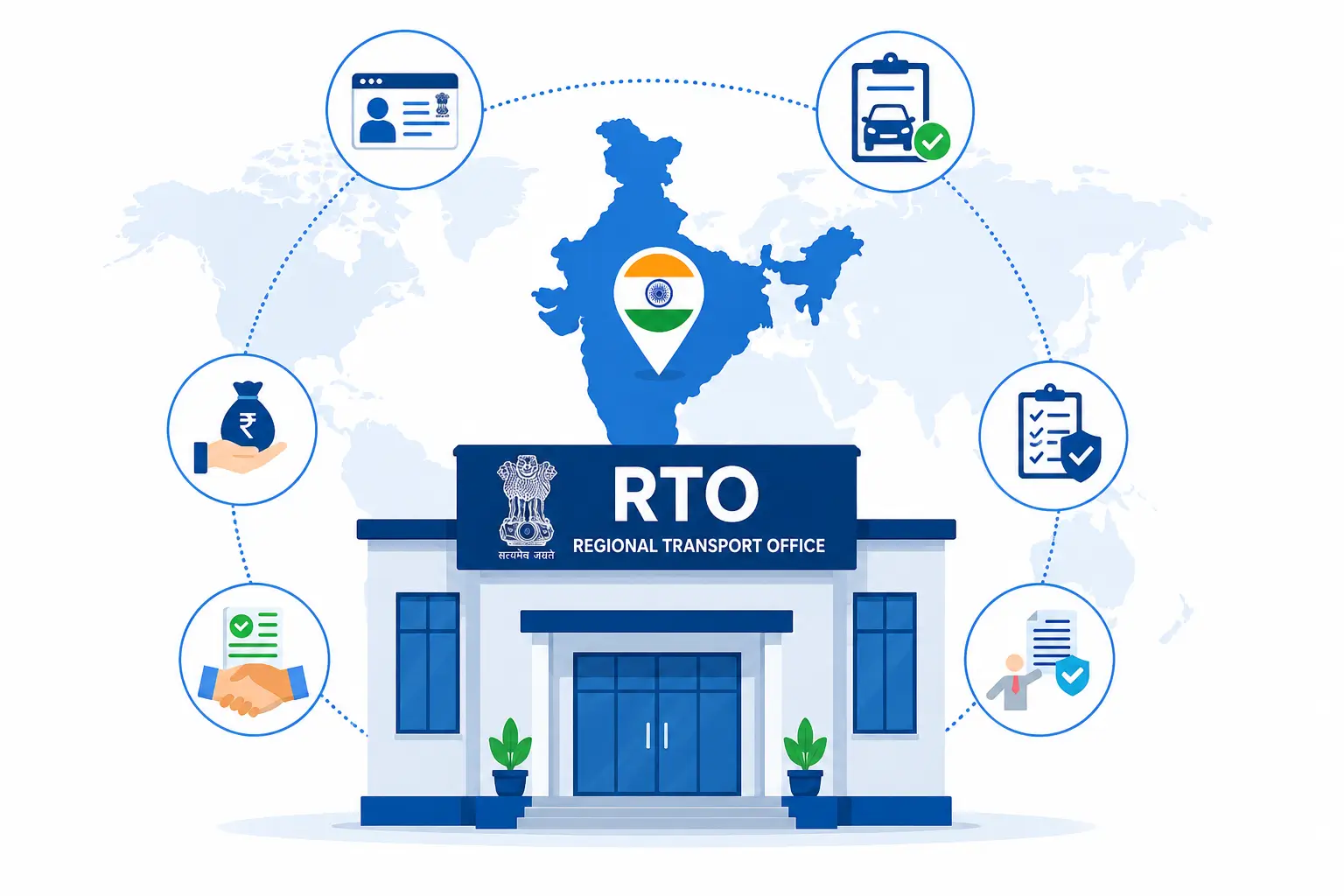
There are many good reasons to check your RC (Registration Certificate) online:

Follow the Rules
You must have a valid RC to drive your vehicle in India. If traffic police stop you, they may ask for it. So, always make sure your RC is active and up to date.

To Show You Own the Vehicle
The RC proves who owns the vehicle. If you are buying or selling a used vehicle, checking RC details helps confirm the real owner.

Check Expiry of Insurance, PUC, or RC
Your RC shows important dates, like when your insurance or PUC ends. If these expire and you didn't renew them on time, you could get fined. So, checking helps you renew them on time.

Vehicle Loan Information (Hypothecation)
If you bought your vehicle with a loan, it will be shown in your RC. Once your loan is paid, you need to remove this info. To do that, you first need to check your RC.
Insurance NewsMotor Insurance Articles
FAQs
An RC is a paper that shows your vehicle is officially registered and that you are the real owner. It is given by the RTO (Regional Transport Office).
You should check your RC to make sure it is still valid. This helps you avoid fines and shows that your vehicle is following all the rules.
Go to the Parivahan website, select your state and RTO, and enter your RC application number. You will see your RC details on the screen.
No, you cannot drive without a valid RC. It is required by law.
Your RC shows the owner's name, vehicle number, model, fuel type, engine number, insurance details, and if the vehicle is under loan.
If your RC is expired, you need to renew it as soon as possible. You can apply for RC renewal online through the Parivahan website or visit your local RTO office.
Yes, you can check the basic RC details of another vehicle if you know the registration number. This is useful if you're buying a used car or bike and want to confirm the owner's info.