
 2094*
2094*By clicking on You, Agreed to our Privacy Policy & Terms of use *Disclaimer
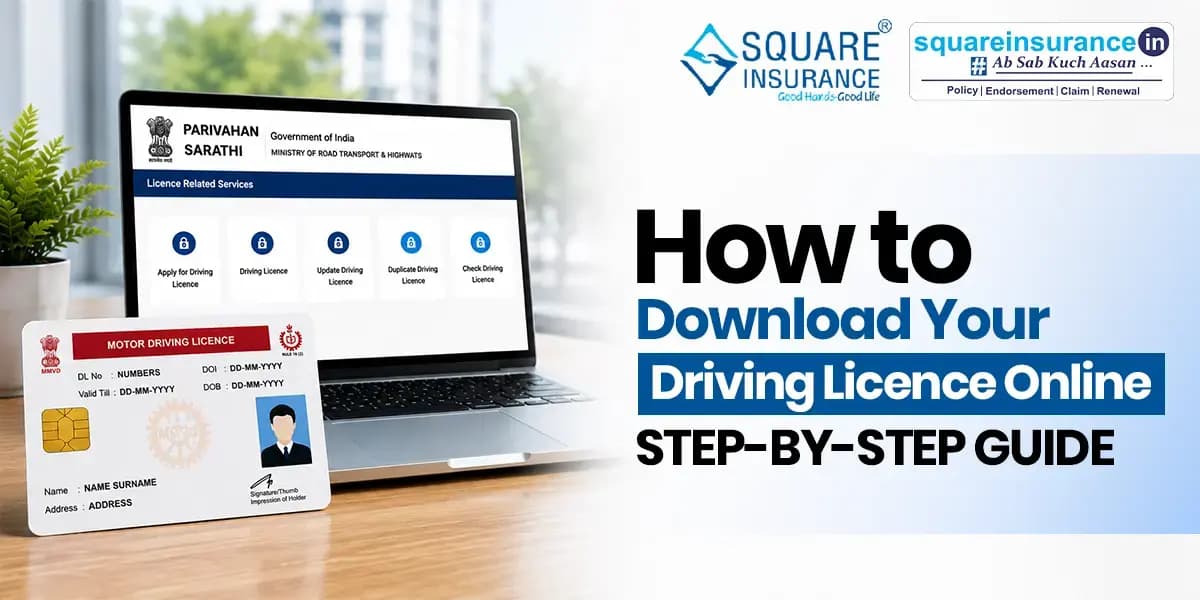
What if you forgot your driving licence at home? No need to worry, you can download its virtual copy online. It is a legally valid digital copy of your driving licence online in just a few minutes.
The Government of India allows you to access your driving licence through various official platforms. These platforms ensure the authenticity of a driving licence during inspections to traffic authorities.
So, in this blog, you will learn about how to download a driving licence online using different methods.
Can You Download a Driving Licence Online?
Yes, you can download your driving licence online if it has already been issued by the Regional Transport Office (RTO). The Government of India allows you to access a digital copy of your driving licence through the Parivahan Portal, DigiLocker, and the UMANG app.
The downloaded digital driving licence is legally valid and you can also use it as an alternative to a physical driving licence.
How to Download a Driving Licence Online Using DigiLocker
To download your driving licence online through DigiLocker, follow the given steps:
- 1.Download and open the DigiLocker app. You can also login through DigiLocker official website.
- 2.Sign in using your mobile number or Aadhaar.
- 3.Go to Browse and select Driving Licence under the Ministry of Road Transport and Highways (MoRTH).
- 4.Enter your Driving Licence Number and Date of Birth.
- 5.Click Get Document.
- 6.Your digital driving licence will be saved in the Issued Documents section. You can view or download it from here.
How to Download a Driving Licence from the Parivahan Portal
Follow these steps to download your driving licence from the Parivahan Portal:
- 1.Visit the Sarathi Parivahan portal.
- 2.Select your state.
- 3.Go to Driving Licence Services and click Print Driving Licence or Services on Driving Licence.
- 4.Enter your Driving Licence Number or Application Number and Date of Birth.
- 5.Verify your details.
- 6.View and download your driving licence as a PDF.
How to Download Driving Licence Through the UMANG App
Follow the given steps to get your virtual DL through the UMANG app:
- 1.Open the UMANG app and sign in using your registered mobile number.
- 2.Search for Driving Licence (MoRTH) in the search bar.
- 3.Enter your Driving Licence Number.
- 4.Accept the consent and click Get Document.
- 5.Once the document is fetched, go to the My Documents section.
- 6.Open your Driving Licence and click Download PDF to save it on your device.
Note: You must have a DigiLocker account to access your driving licence through the UMANG app. If you don't have one, you can create it from within the UMANG app.
What Details Do You Need to Download Your Driving Licence?
Before downloading your driving licence online, keep the following details ready:
- Driving Licence Number
- Application Number (required on some portals)
- Date of Birth
- Registered Mobile Number (for OTP verification, if applicable)
- DigiLocker Account (if downloading through DigiLocker or the UMANG app)
Is a Digital Driving Licence Valid in India?
Yes, a digital driving licence is legally valid in India if you download it through DigiLocker, the UMANG app, or the Parivahan Portal. As per the Ministry of Road Transport and Highways (MoRTH), it can be used in place of a physical driving licence during vehicle checks.
Things to Consider Before Downloading Your Driving Licence
Here are some points to consider before downloading the DL:
- Check if your DL has been issued or not.
- Enter the correct DL number, application number, and date of birth.
- Download your DL only through trusted portals.
- Keep your registered mobile number handy.
- Download and save the PDF on your phone.
- Verify your name, driving licence number, validity, and other details.
Conclusion
To conclude, downloading your driving licence online is quick and convenient. Whether you use the Parivahan Portal, DigiLocker, or the UMANG app, you can access a legally valid digital copy in just a few steps.
Always use official government platforms and keep your driving licence details ready for a smooth download process. Remember that keeping your DL virtual will save you from unwanted fines and challans.
FAQs
Yes, you can download your driving licence online if it has already been issued by the Regional Transport Office (RTO).
You can download your driving licence through the Parivahan Portal, DigiLocker, or the UMANG app.
Yes, a digital driving licence downloaded from an official government platform is legally valid and accepted during traffic checks.
You generally need your Driving Licence Number, Date of Birth, and, in some cases, your Application Number and registered mobile number.
Yes, if your driving licence has already been issued, you can download its digital copy online without visiting the RTO.
 2094*
2094*By clicking on You, Agreed to our Privacy Policy & Terms of use *Disclaimer
- 5.5 CrRegistered Consumers
- 50+Insurance Partners
- 3.4 CrPolicies Sold


