
Niva Bupa Health Insurance Policy Download
 Extensive Plan ChoicesWide range of top plans
 Round-the-Clock Support24/7 claim assistance
 Expert GuidanceAdvice from insurance experts
What is a Health Insurance Policy Document?
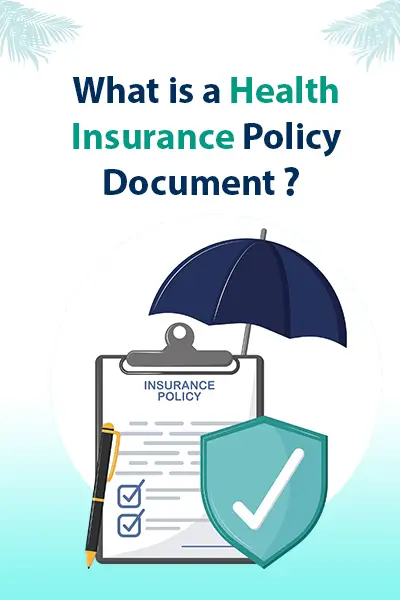
A health insurance policy document is an important document. It shows the agreement between you (the policyholder) and the insurance company. This document explains what your health plan covers and how it works. It includes:Your name and contact details (phone number, address, email).The amount of coverage or sum insured under the plan.How much premium do you need to pay monthly or yearly?The rules and conditions of your policy.When your policy starts and when you need to renew it.Extra cover options or add-ons (if you chose any).Details about your health card.How to make a claim if you need to.Tax certificate (for tax saving proof).Proposal form details (information you gave when buying the policy).
Helps Solve Problems If there is any confusion or argument between you and the insurance company, this document will show what was agreed upon and help fix the problem.Proof of Your Insurance This paper proves you have health insurance and shows how much coverage you have.Know Your Benefits It explains all the things your health insurance covers and what help you can get.Protection from Fraud Keeping this document safe helps protect you from any cheating or mistakes when you make a claim.
Step 1: Go to Niva Bupa Insta Assist Visit the Niva Bupa website and click on the "Customer Service" button at the top right corner. You will reach the Insta Assist page directly.Step 2: Enter Your Details Choose your topic, enter your registered mobile number, and verify using the OTP you receive.Step 3: Check the Status or Download Policy Select the policy number you want to check. Now you can see your policy status or download the policy document in PDF format.