
The LIC NRI Customer Portal is an online service specially made for Non-Resident Indians (NRIs). It helps NRIs manage their LIC insurance policies easily from anywhere in the world. With this portal, NRIs do not need to visit an LIC office or send papers by post.
Through the portal, NRIs can pay their policy premiums online quickly and safely. They can also check the status of their policy anytime. If they have taken a loan on their policy, they can track the loan status too. The portal also helps them check claim status and see updates about any claims they have submitted.
In addition to this, the LIC NRI portal allows users to update their personal details. For example, they can change their address if they move to a new city or country.
Who Can Use the LIC NRI Customer Portal?
The LIC NRI Customer Portal is available to overseas policyholders of Life Insurance Corporation of India. It can be used by:
Non-Resident Indians (NRIs) who hold an Indian passport and live abroad.Overseas Citizens of India (OCI) or persons of Indian origin with foreign nationality, subject to LIC rules.Existing LIC policyholders who later became NRIs, after informing their LIC servicing branch and updating their address details.
Note: Overseas policyholders are required to submit FATCA/CRS self-certification through the Customer Portal.NRI customers of Life Insurance Corporation of India can use the portal to manage policies and payments online. Key services provided by the LIC NRI Customer Portal are:Quick Pay You can pay premiums quickly without a long process.Renewal / Revival It makes it simple to pay renewal dues or revive lapsed policies.Advance Premium Payment of future premiums in advance is also included.Loan Interest Payment Clear interest due on policy loans can be paid online.Repay Loan You can repay the principal amount of a policy loan.Download Receipt Get digital copies of payment receipts.Update Address An NRI can easily change their overseas or Indian correspondence address.Get Premium Quote They can also check premium amounts for plans.Buy New Policy Also, apply for a new LIC policy online (subject to NRI rules).
To register yourself at the LIC NRI Customer Portal, follow the given steps: Step 1: Go to the official website of Life Insurance Corporation of India.Step 2: Click on the “NRI” option from the top menu.Step 3: Select the “NRI Customers” option. Step 4: Click on “New User / Register.”Step 5: Enter your policy number and date of birth.Step 6: Add your registered mobile number and email ID.Step 7: Verify the OTP sent to your contact details.Step 8: Upload ID proof, such as a passport or policy document.Step 9: Create your User ID and password.Step 10: Submit the form to complete your registration.
Key Services Available at LIC NRI Customer Portal
How to Register as an NRI on the LIC Portal?
LIC NRI Customer Portal Login Process
Follow these simple steps to log in as an overseas policyholder on the Life Insurance Corporation of India website:
- Step 1
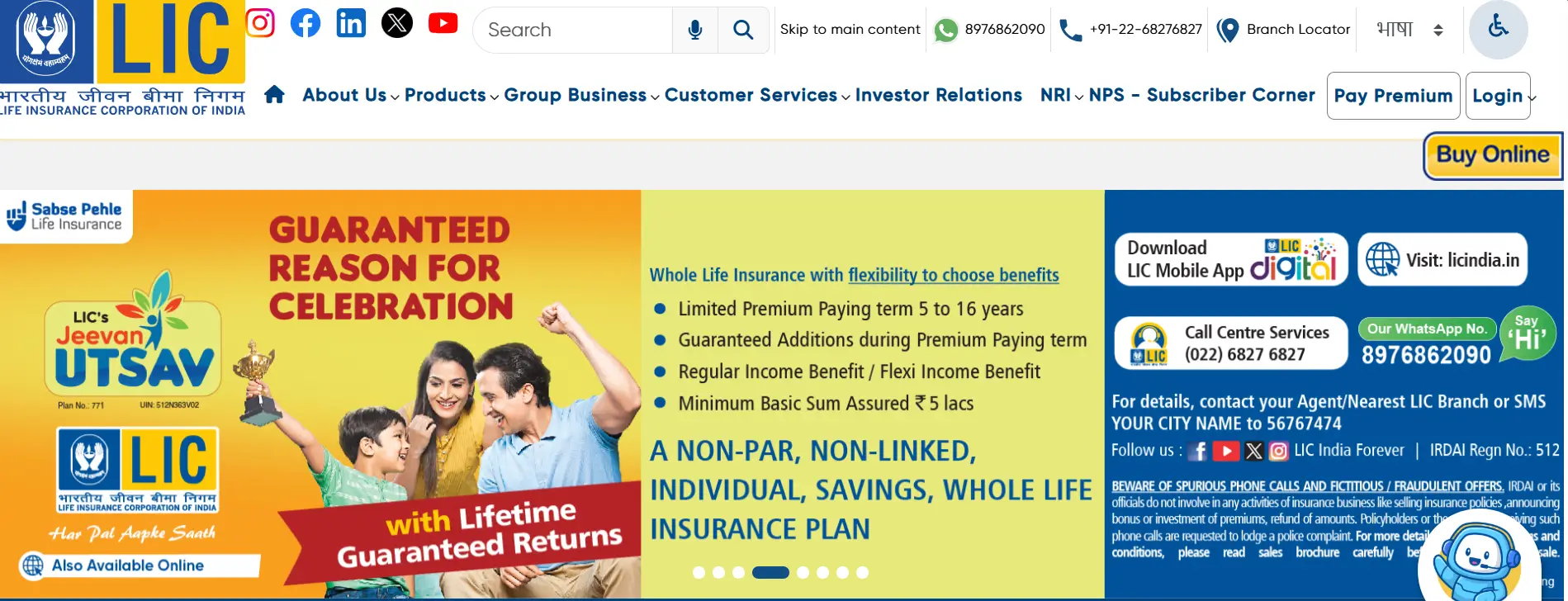
Go to the official LIC website.
- Step 2
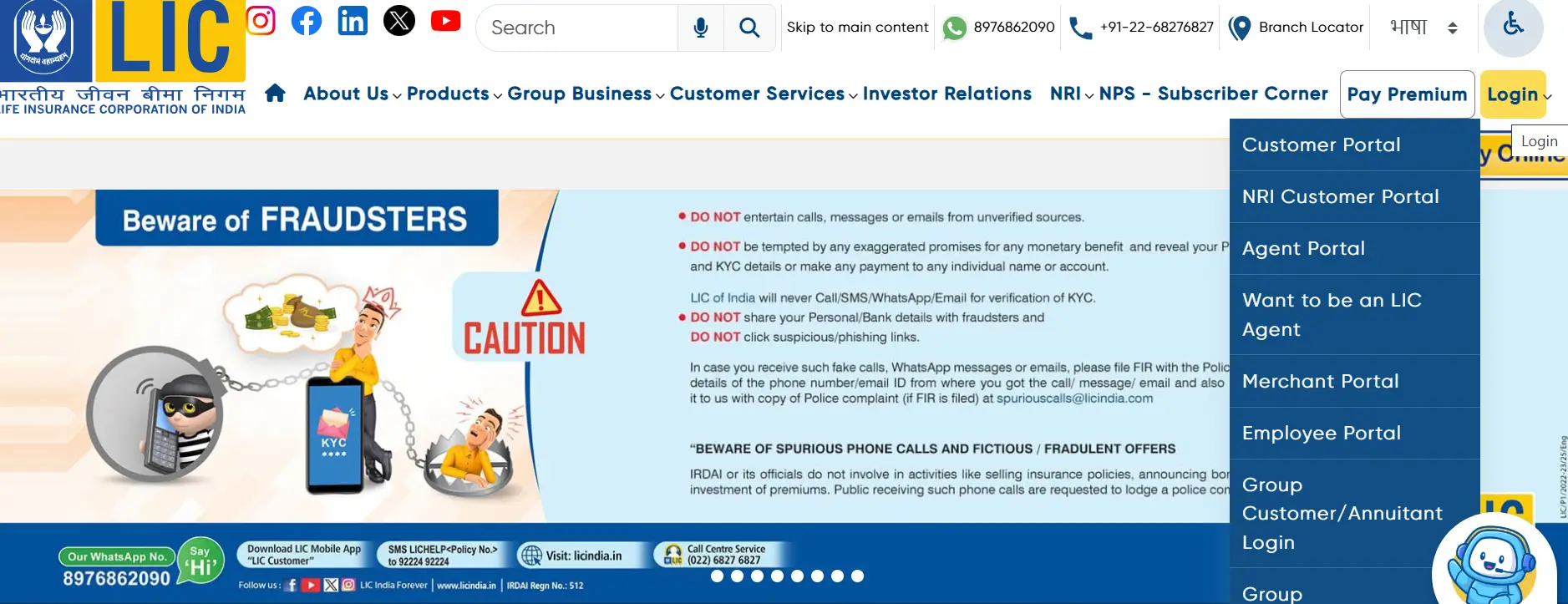
Click on the "NRI" option in the top menu.
- Step 3
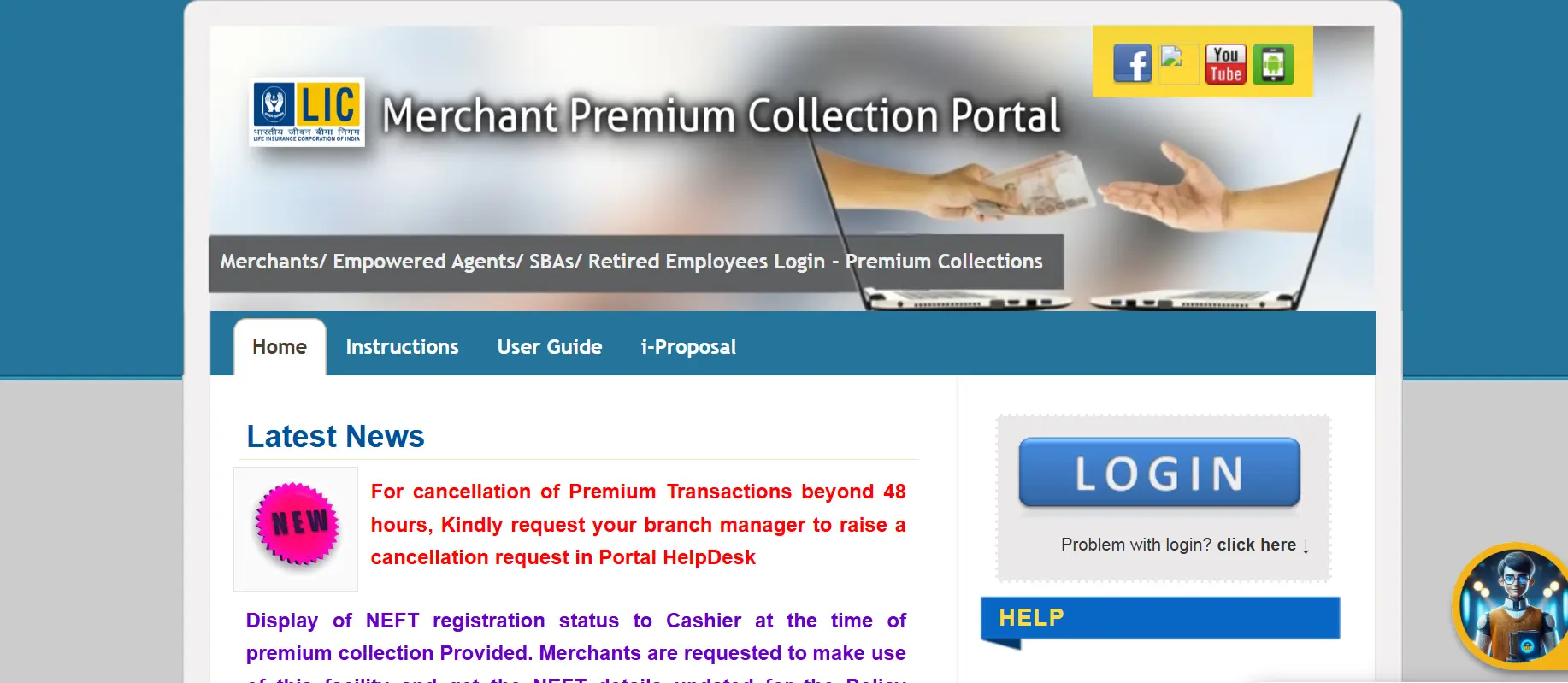
Select "NRI Customers" from the dropdown.
- Step 4
Open the NRI Customer Portal login page.
- Step 5
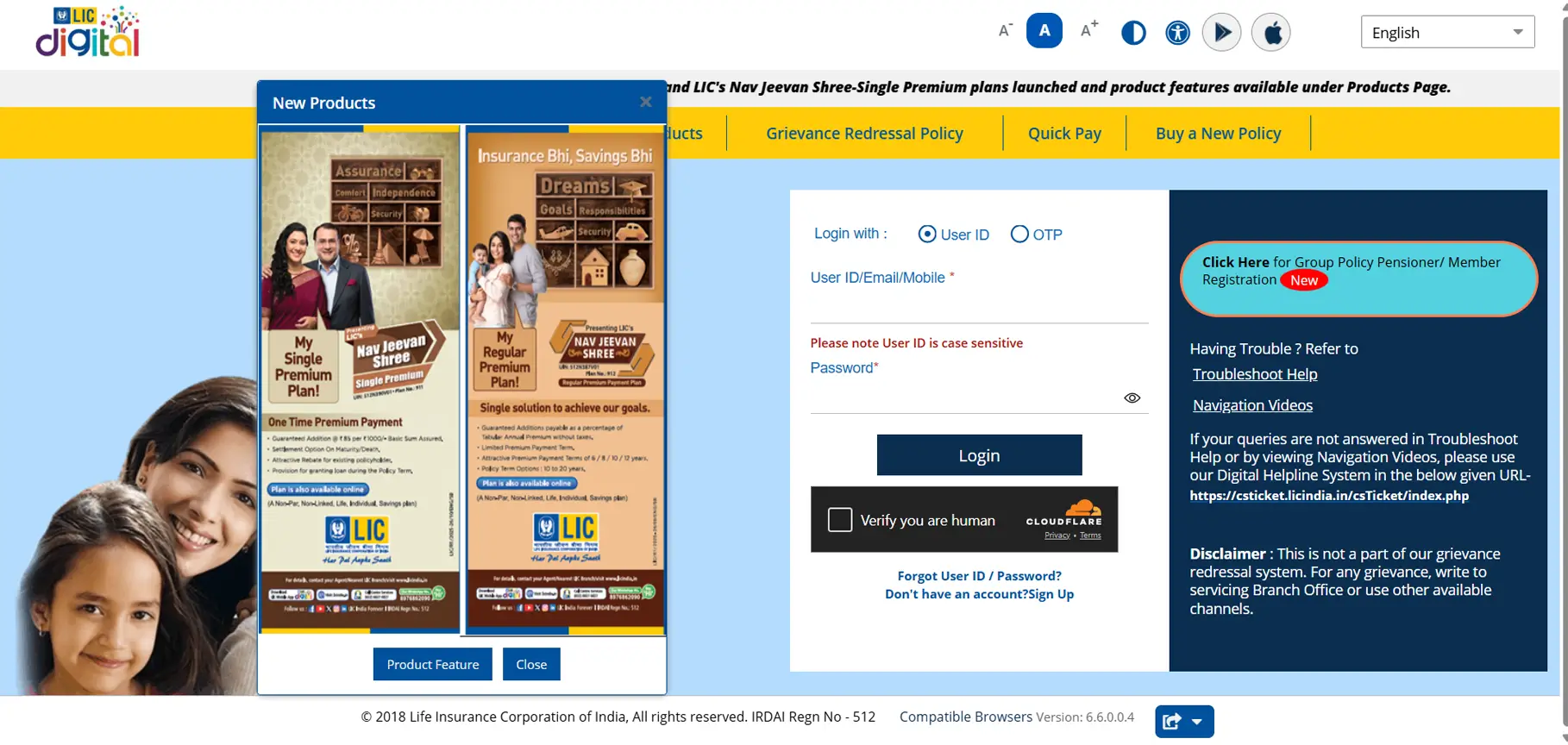
Complete OTP verification if prompted.
- Step 5
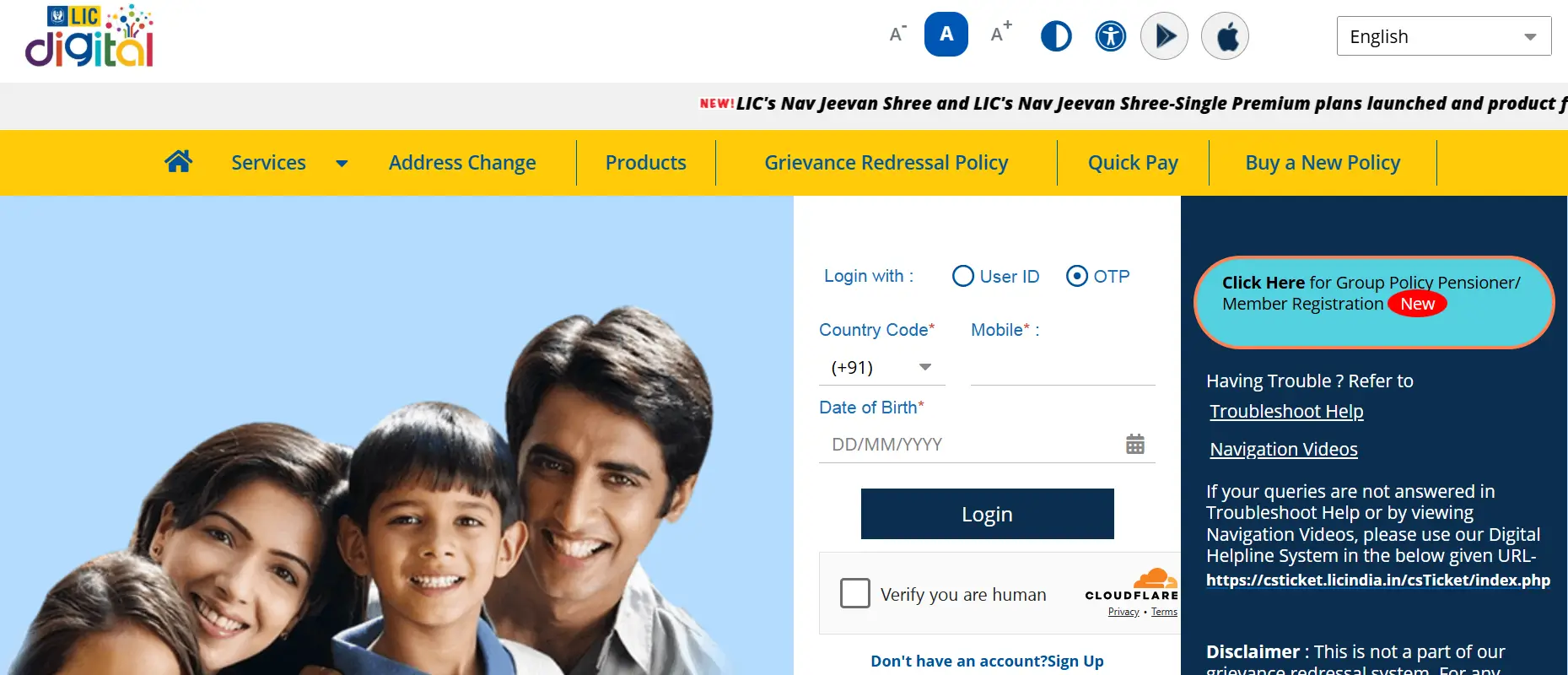
Click Login to manage your policies online.
How to Update Address Details through the LIC NRI Customer Portal
NRI customers often face the issue of changing their address details in the policy details. Below is the guide to update your address through the LIC NRI Customer Portal:
- 01Step
Log in to the LIC NRI Customer Portal.
- 02Step
Go to the Services section and select the “Update Address” option.
- 03Step
Give consent for Aadhaar authentication by ticking the boxes.
- 04Step
Enter your policy details, mobile number, and email ID.
- 05Step
Generate and verify the OTP sent to your registered contact details.
- 06Step
Complete Aadhaar authentication as guided by the portal.
- 07Step
Enter your new overseas address details carefully.
- 08Step
Submit the request for processing.
- 09Step
Track the update status inside the portal.
Disclaimer: The steps mentioned above may change based on updates made by LIC. Please visit the official website or the LIC branch for exact details.
FAQs
The LIC NRI Customer Portal is an online service platform by the Life Insurance Corporation of India that helps overseas policyholders to manage their LIC policies from abroad.
NRIs, OCI cardholders, and overseas policyholders can use the portal. It is always advisable to check the LIC rules and eligibility conditions to know about the eligibility.
Yes, first-time users must complete registration before logging in so that they can get the user ID and password.
Yes, NRIs can usually pay premiums online through the portal by using approved payment methods.
Yes, you can request address updates online after logging in, along with Aadhaar authentication and OTP verification.